Primary use cases
Wedding studios that need clearer review rounds and a cleaner final delivery handoff.
PhotoProofing organizes the commercial and operational proofing workflow into clear capabilities: brand presence, feedback, delivery, public sharing and follow-through.
Open manualWedding studios that need clearer review rounds and a cleaner final delivery handoff.
Portrait photographers who want a branded client experience beyond the application shell.
Teams coordinating vendors, public slideshows and follow-up without manual chasing.
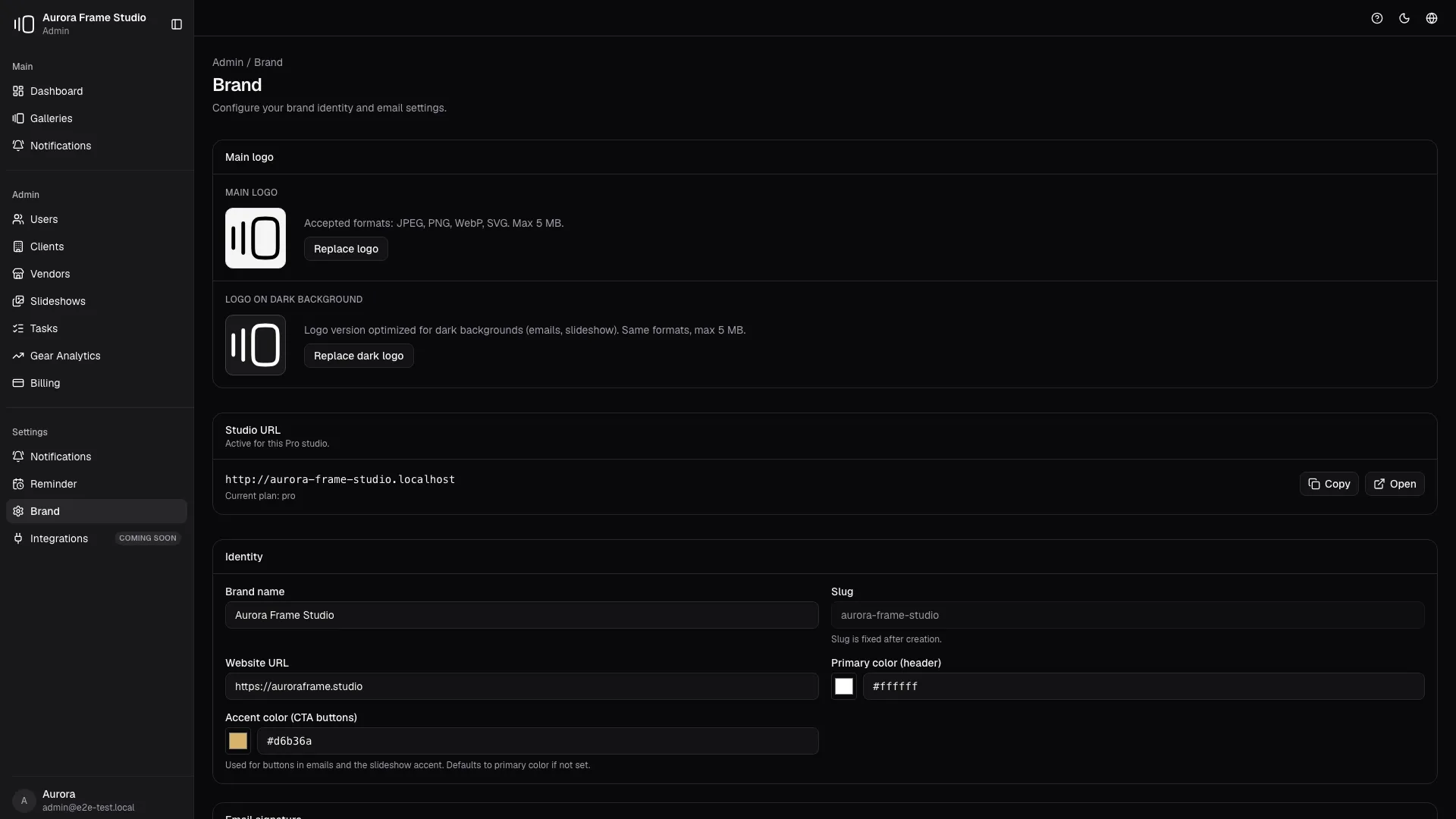
Your logo, colors, domain and client-facing pages stay coherent from invite to download.
Most proofing tools force photographers to hand clients over to someone else's interface. That weakens trust exactly when the client is deciding whether the studio feels premium.
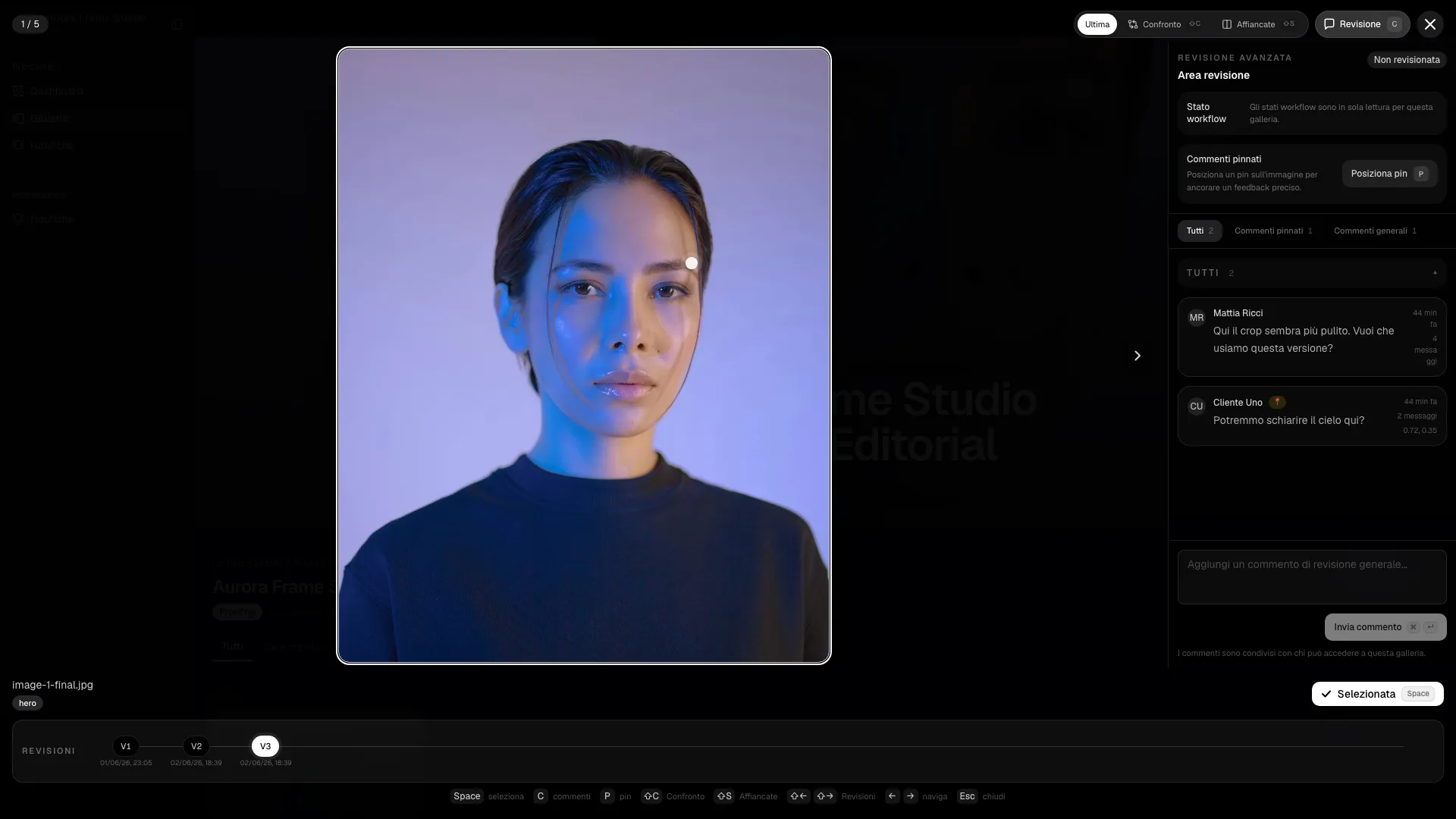
Pinned comments, workflow states, revisions and comparisons remove ambiguity from retouching rounds.
Retouching rounds break down when feedback lives in email threads, vague screenshots or voice notes. The team loses time just understanding what the client meant.
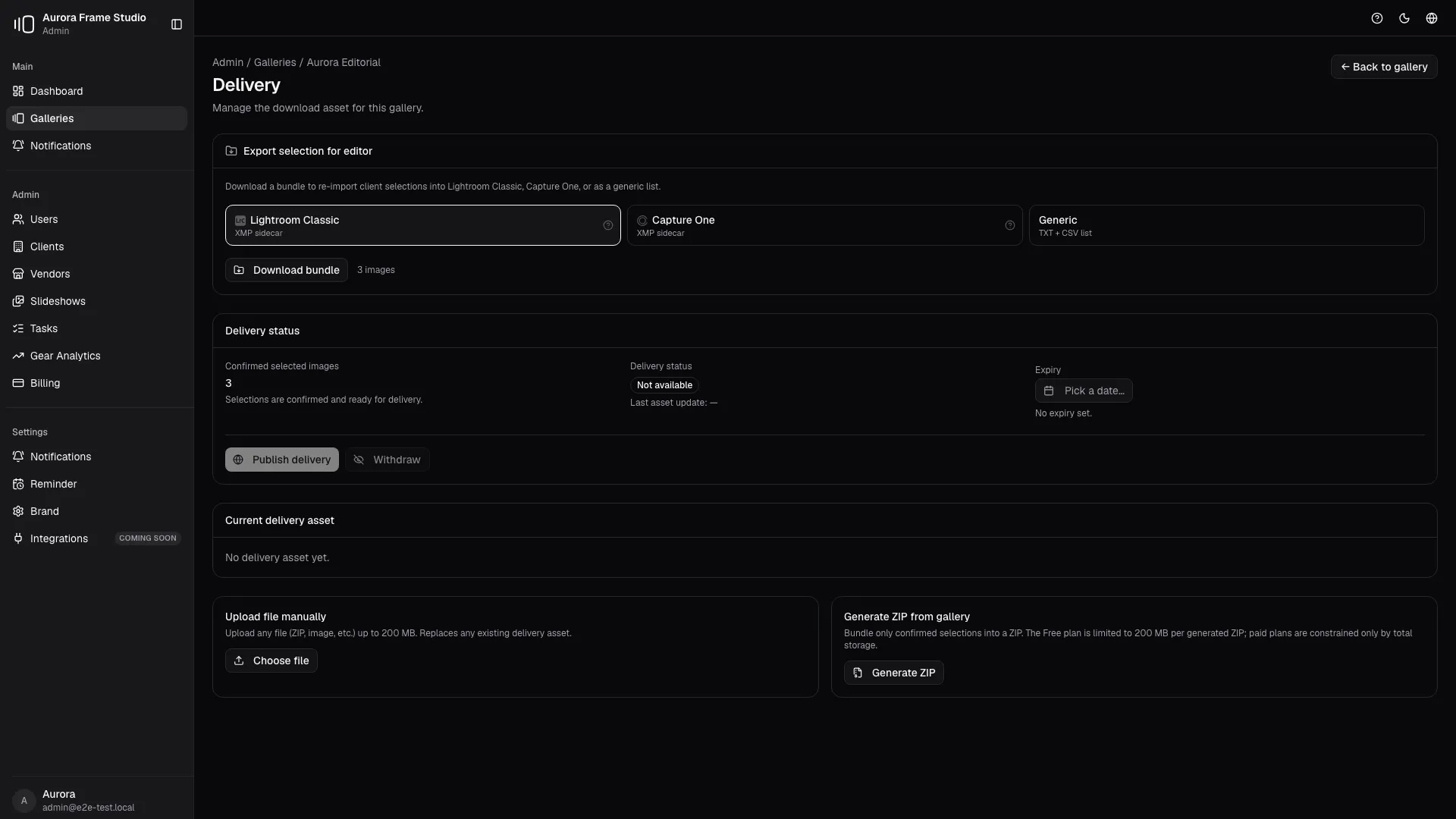
Preview upload, editor export and final delivery stay separate, controlled and protected.
When preview files and final delivery share the same pipeline, studios publish too early, overwrite assets or confuse clients about what is approved and downloadable.

Controlled public shares for venues, planners and partners, with watermarking and tracking.
Studios want referral growth, but public sharing often means losing control over which files circulate, how the studio is credited and when access should expire.

Turn a curated selection into a branded viewing experience with progress, loop and a closing screen.
A gallery is designed for selection. A slideshow is designed for narrative. Studios often need both, but many tools force them into the same clumsy surface.

Background tasks and reminders keep galleries moving without manual chasing.
Studios lose margin when follow-up work lives in memory. Galleries stall because nobody remembers to nudge the client, check a task backlog or unblock a delivery step.
Because it consolidates the informational cluster of the landing, improves internal linking and explains how the individual capabilities work together.
No. Each feature maps back to real product workflows that are also documented in the user manual.