Back to features
01 / Features

Branded galleries

Your logo, colors, domain and client-facing pages stay coherent from invite to download.

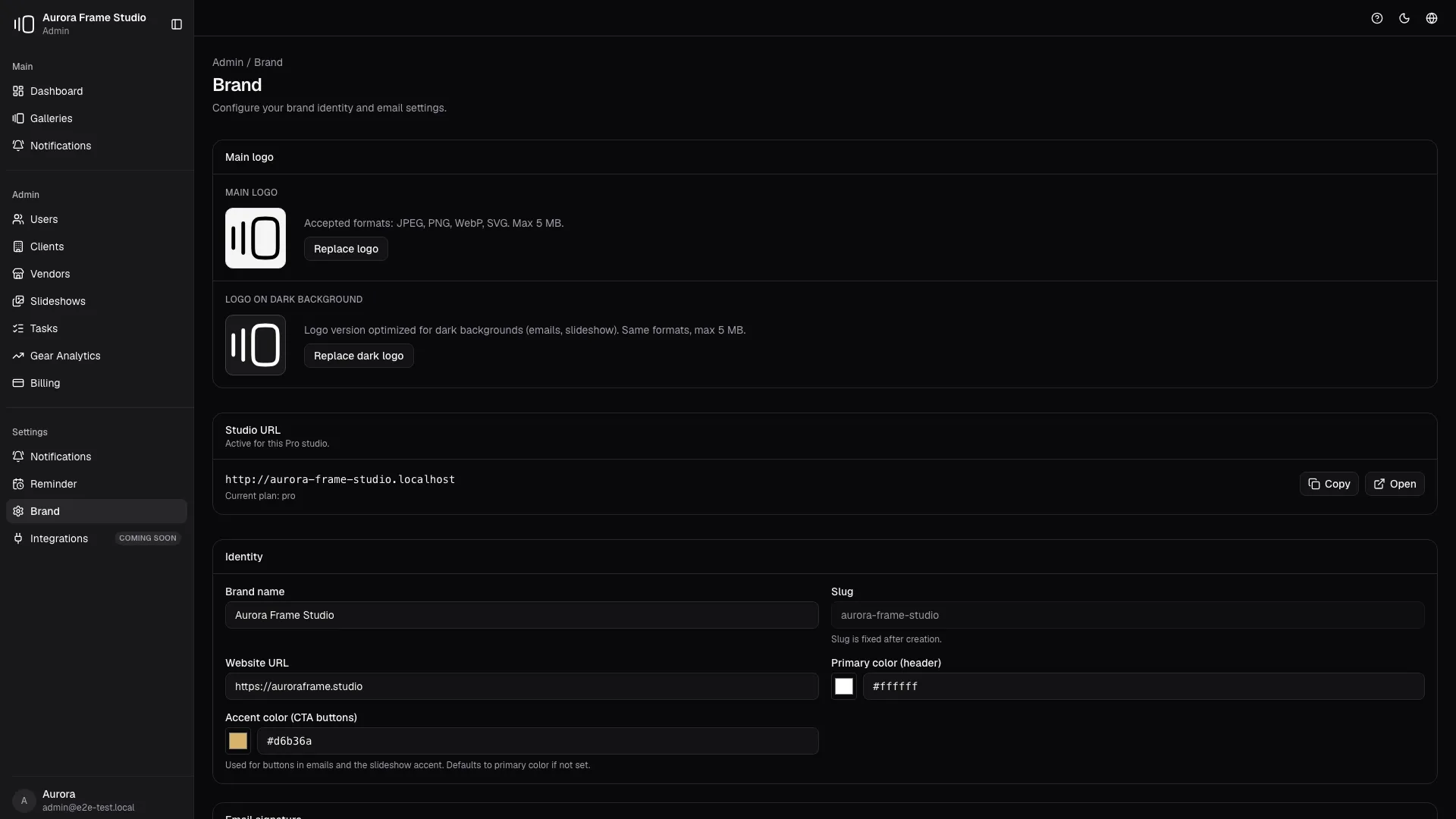
Brand settings control studio name, public slug, primary color, website and logo. The result is a client experience that looks like your studio, not a rented proofing tool.

PhotoProofing dark brand settings
The operating story

Brand settings control studio name, public slug, primary color, website and logo. The result is a client experience that looks like your studio, not a rented proofing tool. It is not an isolated feature: it becomes part of the studio's daily flow and connects identity, decisions and delivery in one coherent motion.

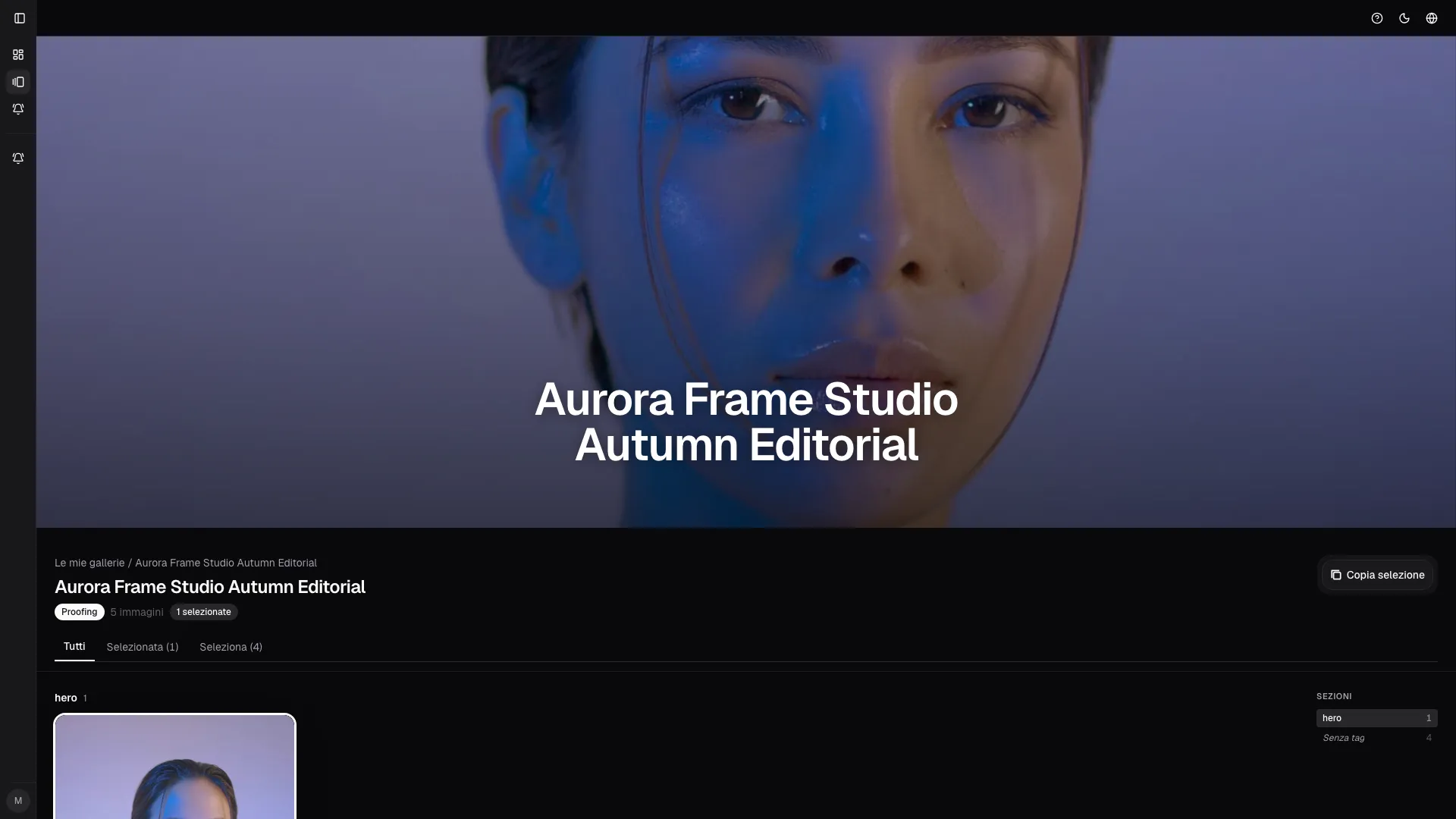
In the product this becomes studio logo and public identity, custom color applied to client pages, client-safe branded notifications. Every element reduces friction while the client moves forward without needing extra explanation.
Inside the user manual

Inspired by Brand settings, public gallery and client gallery manual sections.

Before 01

Set studio identity

During 02

Publish a branded gallery

After 03

Invite clients into the same visual language

17
Active galleries
?
Compact KPI with tooltip
Autumn Editorial
42 selected / 96 total photos
Proofing
New client feedback
Pin comment
2 min ago
Status changed
3 min ago
Selection confirmed
4 min ago
PhotoProofing

Your logo, colors, domain and client-facing pages stay coherent from invite to download.

Start free